When you go out looking for a security suite, you quickly notice that a single tool isn't quite sufficient to take care of all your needs. Also, an infected computer is pretty much on its own. An antivirus tool often can't do much if the damage has already been done. Let's check out an app that can handle many different problems your antivirus suite might miss!
Deep scanning and detection
UnHackMe was developed way back in 2005 to fight rootkits, and it has since evolved into a security beast. After scanning your computer, you can view the results in many different tabs. Besides the obvious malware detections, you can also see whether there are suspicious processes running or if there are PUPs (Potentially Unwanted Programs) installed on your computer. You can also check out unwanted files, startup programs, services, browser plugins, and more.System recovery and dedicated support
Each time you open it, you might discover a new tool that may help you resolve a problem on your computer. Besides providing protection against malware, you can also use UnHackMe to recover from a virus attack by resetting any settings the infection may have changed. If you feel uncomfortable handling these steps yourself, you can simply send a report to the UnHackMe team and you will quickly receive instructions and an executable file to help you resolve your problem!A functional but dated interface
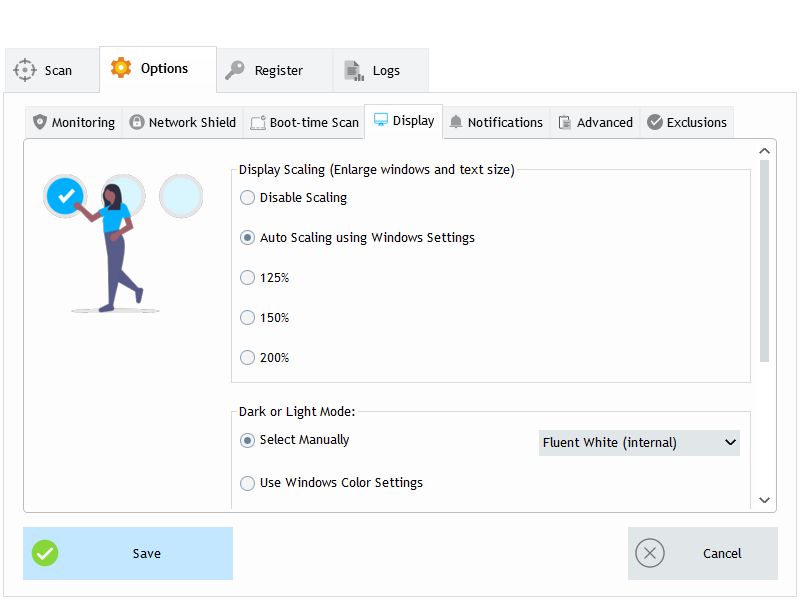
The app's interface does take some getting used to before you can easily find exactly what you want. Clicking almost anything results in a new window opening. The design of the app is not exactly modern, but the important thing is that it gets the job done! Best of all, the application can be tried out for free for 30 days with full functionality.